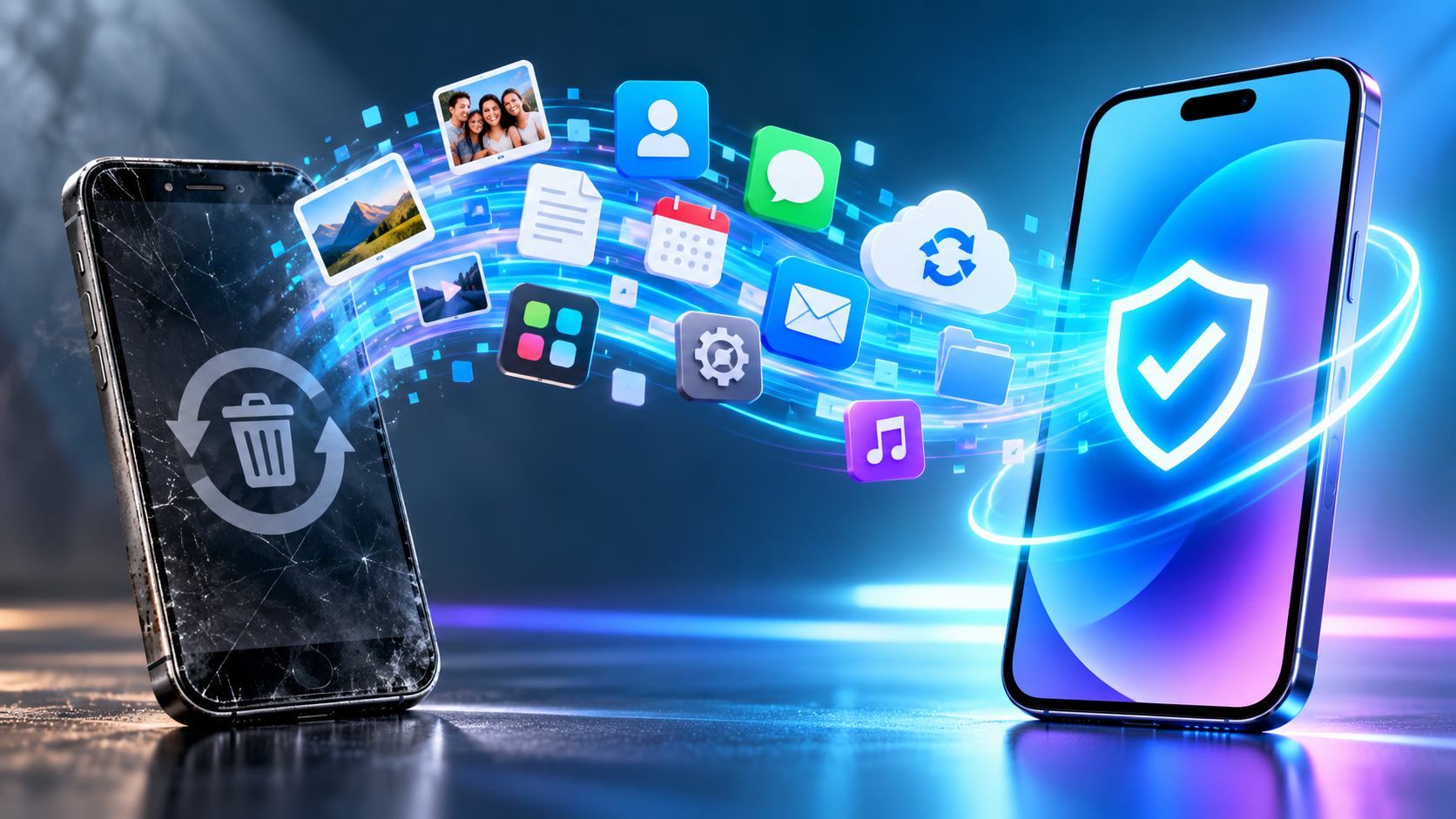
You put your new smartphone next to the old one, use “Quick Start” on an iPhone or start the data transfer on Android, and let the two “cuddle” for a while. Afterwards, your familiar apps, photos and contacts are on the new device. Now just reset the old one to factory settings and pass it on to your grandchild or the buyer.
Is that all there is to it? Almost. There are two crucial steps you need to handle yourself.
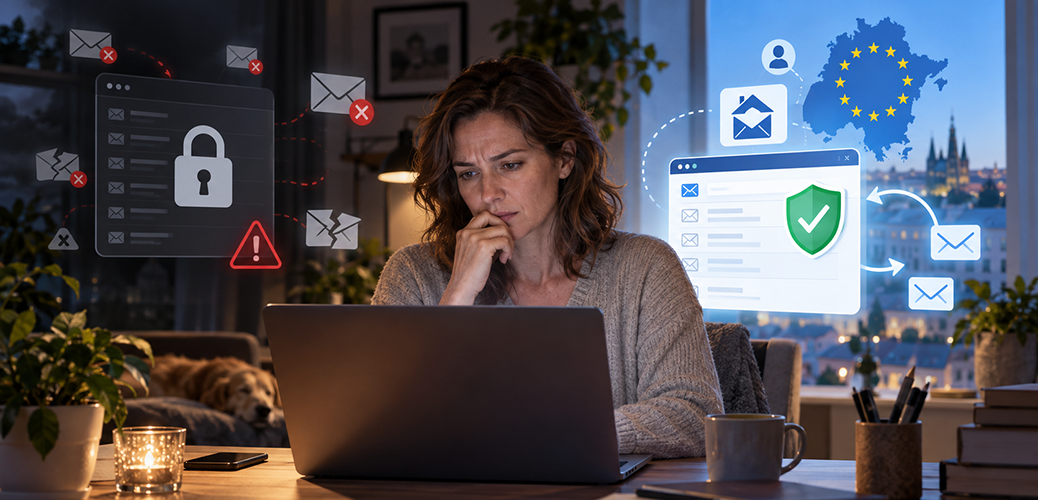
You open your email program, but you can’t access your email account: it’s locked, hacked or shut down by your provider. The old messages aren’t even the biggest problem now. You need a reset link for an online store, a verification code for your streaming account or help logging in to a government portal – and it all goes to the same dead address. You could even lose access to banking services that use email verification.
How do you recover your other accounts when you can’t access the email address they depend on?
The Friday Chat
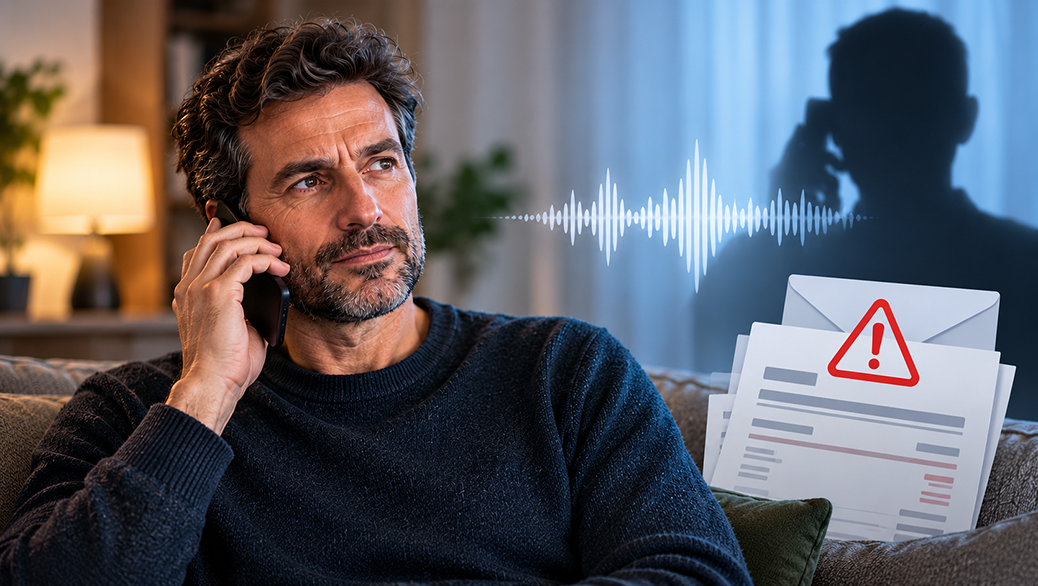
Maybe you’ve heard the warning: never say “yes” on the phone, or you’ll suddenly find yourself stuck with a contract. The scammers supposedly just snip out your “yes” and splice it in after a made-up question – and before you know it, you’re being asked to pay up.
Sounds alarming. But does the story hold up under scrutiny?
The Friday Chat
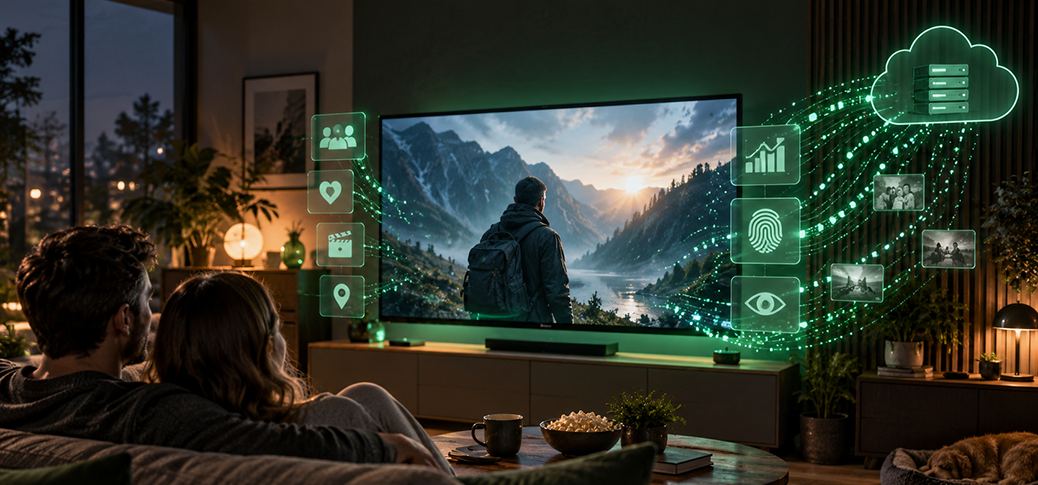
Normally, a blog post works its way toward the punchline – the surprise you didn’t see coming at the end. Today the punchline comes first: if you own a smart TV, you don’t own a television, you own a computer. And computers do computer things.
Everything you’ve learned about privacy and data protection deserves a second thought when it comes to a smart TV – especially since it sits in the one place where you feel least watched: the living room.
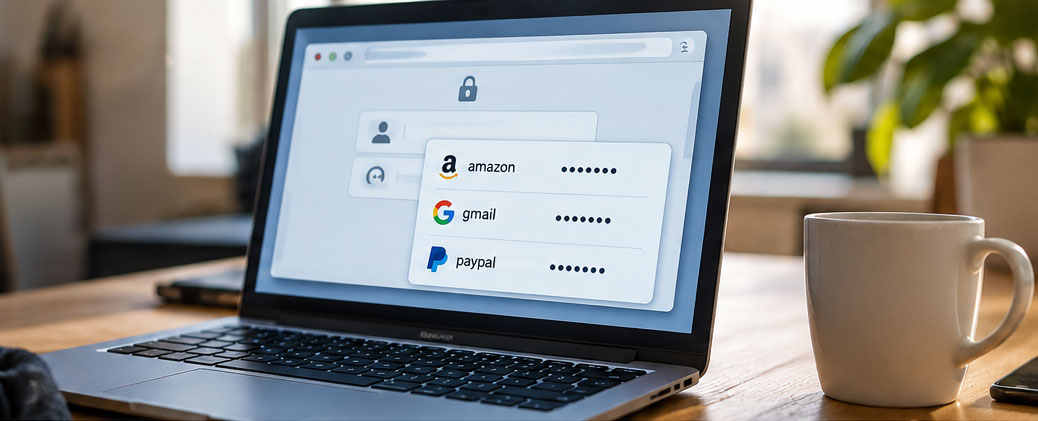
Your laptop is sitting open on the table, and you step away for a quick coffee. Your browser has the logins saved for your email, your favorite online store and a handful of other accounts. Anyone who sits down now won’t see a plainly readable list of passwords.
But can someone use that brief unwatched moment to log in to your accounts?